Mozilla Firefox is my favourite browser. Ever. Except the mobile version, I don’t like it. At all. But recently, it welcomed me with this fancy splash screen.
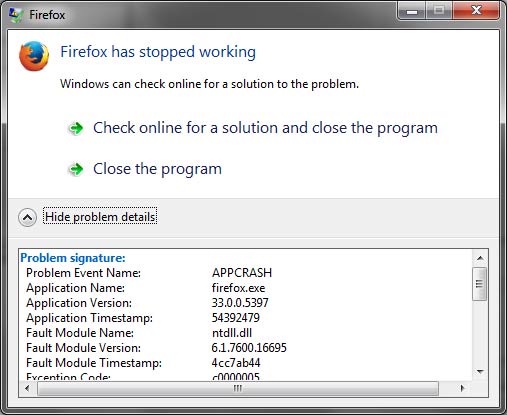
Firefox has stopped working on Windows. APP CRASH
Reinstalling not fixing anything.
It’s not easy for me to switch to another browser, let say Google Chrome, which is I’m not familiar with. And now, I have to do that. Wait, what? My bookmarks. Luckily, it’s not a big problem, Google Chrome have bookmarks importer.
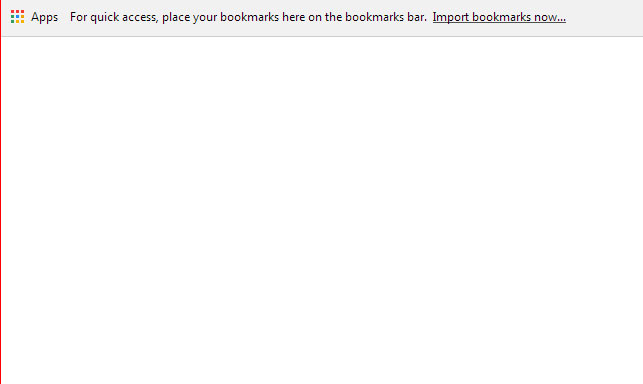
Google Chrome offers bookmarks importing.
Also, it’s accessible via main menu.
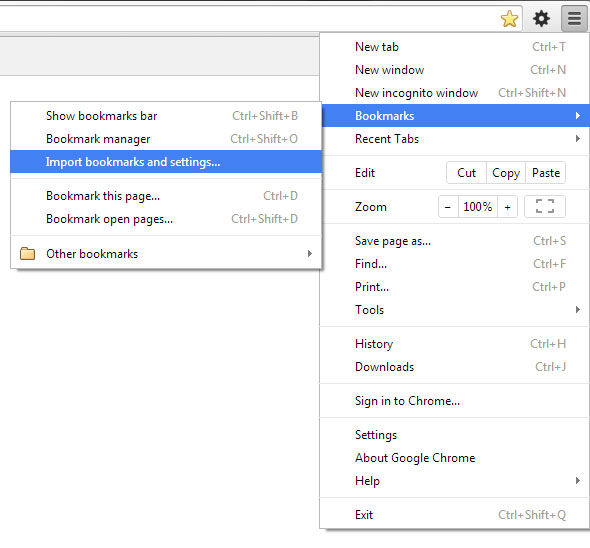
Google Chrome import bookmarks from menu
Hei, it be able to import settings too.
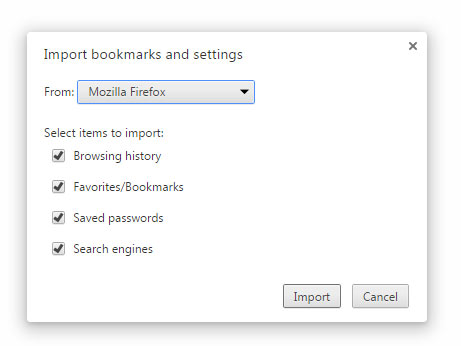
Google Chrome import bookmarks from Firefox
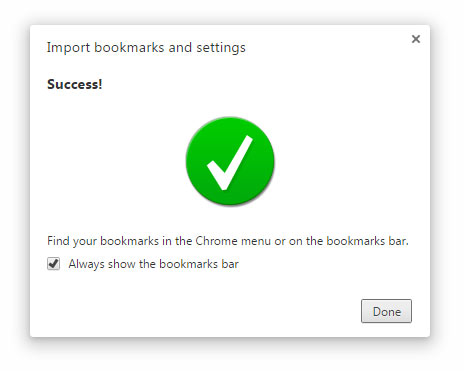
Import bookmarks Google Chrome success.
Going to love Google Chrome? Not sure. I still don’t like how Google Chrome handles text/element selection.